
GTA PS2 Cheat Codes How to Enter Cheats on DualShock 2
Live play, D-pad directions, confirmation sting, and why analog sticks and the pause menu waste a combo.
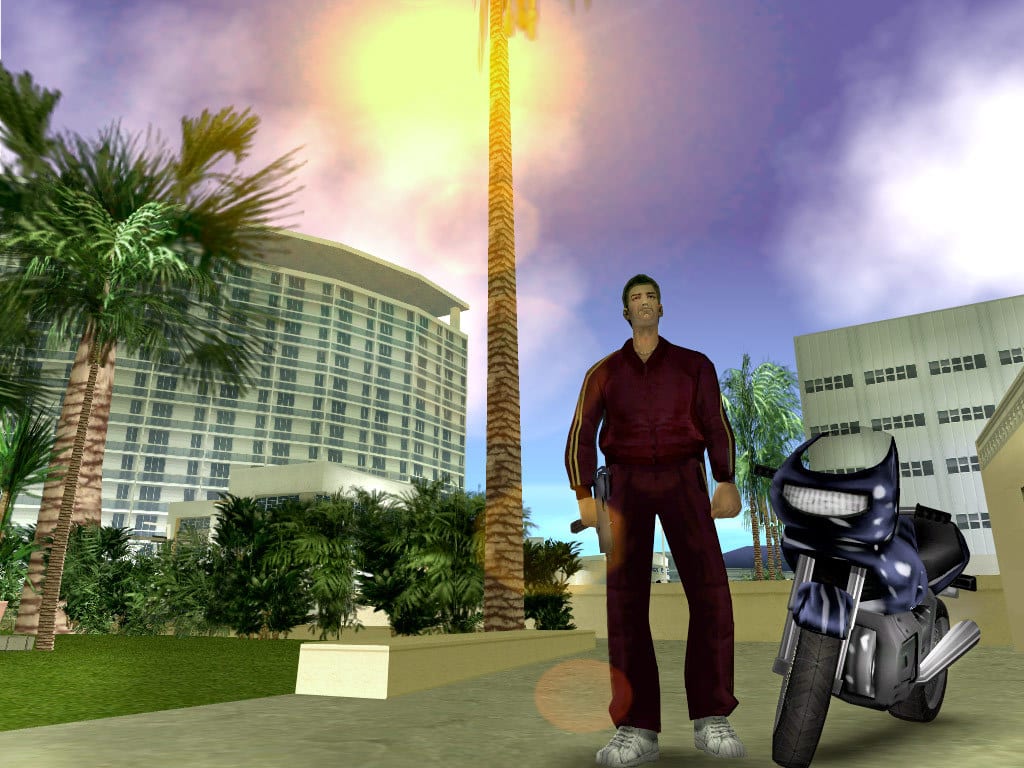
Original PlayStation 2 Grand Theft Auto builds do not open a cheat console. There is no text box, no “enter code” screen, and no keyboard. The game keeps a short buffer of DualShock 2 presses while you walk, drive, or fly. When that buffer matches a built-in sequence, the effect fires. That is why a correct list still fails if you pause, drift the analog stick, or wait too long between buttons.
This page is the method. Button tables live on the codes hub and the per-disc pages. If you came here because a Rhino never appeared or a jetpack never strapped on, fix the input first, then go back to how to spawn a tank or how to get the jetpack.
Live play, not the pause menu
Stay in the 3D world. Do not press Start, do not open the map, and do not sit on the save screen. The original PS2 listener is watching gameplay. Pause-menu input is a myth copied from other games and from later ports that sometimes accept menu presses. On a 2001–2007 DualShock 2 disc, Start usually just dumps the rest of your combo into a menu that does not care.
If you hit Start by accident, close the menu, stand still for a second so the old buffer expires, and start the sequence from the first button again. Do not try to “resume” a half-entered code.
D-pad directions, never the analog stick
Every Up, Down, Left, and Right in a printed combo is a digital D-pad tap. The left analog stick is for walking and steering. It reports a range of tilt values. The cheat listener looks for discrete compass events. Tilting the stick “up” is not the same as tapping D-pad Up, even if the character walks north.
This is the most common failure on San Andreas weapon sets, Vice City health, and any spawn that mixes shoulders with a compass run. Park the analog stick. Use your left thumb on the D-pad for the arrows, then jump back to face buttons and shoulders. DualShock 2 controls shows which face buttons you are about to mash so you do not also fire a gun or sprint out of the spawn window.
Confirmation sting and on-screen line
A correct combo usually plays a short confirmation sting and, in most of these builds, prints “Cheat activated” in the corner. Some cosmetic or gore toggles are quieter. If you hear nothing and see nothing after a twelve-button sequence, assume the buffer never matched. Do not save “just in case.” Nothing happened.
Spawn cheats confirm, then place a vehicle on a nearby node. If you heard the sting but see no tank, you probably activated the right family of code in a tight space. Move to an open street and enter it again rather than inventing extra Circles. Details are on the tank guide.
Buffer speed
Enter the buttons in order, at a steady clip, as if you were tapping a rhythm game. Too slow and early presses fall out of the buffer before the last button arrives. Too frantic and you double-tap Circle or skip L2. You do not need frame-perfect speed. You do need a continuous sequence with no Start, no analog wander, and no extra face button.
Long San Andreas spawns (Rhino, Hydra, Hunter) are where people stall. Practice the prefix on a cheap effect first: a weather toggle or a health refill from the matching disc page. Once the sting is reliable, add the longer spawn.
Shoulder buttons L1, L2, R1, and R2 are part of many prefixes. Press them as distinct clicks. Resting a finger on L2 while you hunt for Circle can register an extra L2 and break the match. The analog-mode LED on the DualShock 2 can stay red; analog mode does not disable the D-pad.
PAL versus NTSC
PAL 50 Hz discs run the world a little slower than NTSC 60 Hz discs. That can make a long combo feel more forgiving because animations and the clock are slower. It does not change the button order. Do not swap L1 and L2 just because a European box is in the tray. Use the same DualShock 2 sequence printed for that game. Region is not a second cheat list for these titles.
PS3 ports are a different problem: those builds invert L1/L2 and R1/R2 relative to PS2. If you copied a PS3 table onto a fat PlayStation 2, the combo is wrong. PS2 vs PC codes covers that swap and the keyboard words you should never type on console.
Disc-specific traps
Vice City on original PS2 has no money cheat and no god mode. Health and armor refills exist. Cash drops and invincibility belong to other games or to PC words. If a video overlay shows HESOYAM during a Vice City clip, that player is not on your DualShock 2 disc. Fake codes collects those mix-ups.
San Andreas is the only PS2 GTA with a jetpack cheat. Typing ROCKETMAN does nothing here. Use the button page, not a PC article.
GTA III prefixes often start with R2, R2. Vice City and San Andreas weapon sets often start with R1, R2. Using the wrong opener is not “close enough.” Open the page for the disc in the tray: GTA III, Vice City, San Andreas, Liberty City Stories, or Vice City Stories.
Before you save
A working combo is not a reason to overwrite your story slot. Pedestrian riot and attack codes often cannot be toggled off. Weather and some wanted-level locks can also stick. Copy the file first, then cheat on the copy. The full slot recipe is in save-file warnings. Rank what is safe for missions on the mission-friendly tier before you treat every sting as a green light.
When the method is solid, grab weapon sets so you are armed before a tank spawn draws stars, then decide whether you actually want chaos from the chaos cheats tier. The cheat finder helps if you remember the effect and not the disc.
Failure checklist
Work this list in order before you blame the wiki table:
- You are in live play, not paused, not in a save menu, not in a cutscene.
- The disc in the tray matches the table you are reading.
- Directions come from the D-pad. The left stick is idle.
- You did not rest on L2 or R2 between face buttons.
- You restarted from button one after any extra Circle, X, or Start.
- You waited for the sting instead of mashing the combo twice in a panic, which can toggle some effects off.
- For spawns, you are standing on open asphalt, not a stairwell or a beach slope.
- You are not typing a PC word such as HESOYAM or ROCKETMAN.
If all eight are true and the sting still never plays, you likely have a PS3-inverted list, a Definitive Edition extra such as Big Head, or a fake Vice City money code. Sort that on PS2 vs PC codes, then return to the matching game page and enter the DualShock 2 sequence once, cleanly.
Frequently Asked Questions
Quick answers for DualShock 2 codes, saves, and fake lists.
Do I pause the game to enter GTA PS2 cheats?
No. Original PlayStation 2 builds listen in live play. Start opens a menu that ignores the combo. See DualShock 2 controls so you do not hit Start or L3 while tapping a sequence.
Why did the analog stick stop my cheat from working?
Directional cheats need D-pad taps. Analog tilt is not a digital Up, Down, Left, or Right. Park the stick and enter compass steps on the pad, as shown in how to enter cheats above and on the controls guide.
PAL and NTSC discs use different button combos?
Not for these GTA PS2 sequences. Region can change frame rate and feel, not L1 versus R1 order. If a list swapped shoulders, you are probably reading a PS3 port table, not a PAL difference.
I heard the confirmation sound but nothing spawned.
The buffer matched. For vehicles, move to an open street and try again. Tight alleys swallow Rhino placements. Details are in how to spawn a tank.
Is there a Vice City money or god-mode combo on PS2?
No. Original Vice City PS2 has health and armor, not cash and not invincibility. Lists that promise either are mixing discs or PC words. Check fake codes and the Vice City codes page.
Should I save as soon as a cheat activates?
Not on your only story slot. Riot and attack codes can stick. Use a spare slot as described in save-file warnings.